Facebook Ads Error: “Country with Trade Restrictions” — What It Means, How to Avoid It, and Why the BIN Code Matters
In 2024–2025, Facebook significantly tightened its payment verification policies. More and more advertisers are encountering the error "Country with trade restrictions" when linking a card to Business Manager. In this article, we explain what this error actually means, how it relates to the card's BIN code, why Facebook may request a tax number, and what you can do to prevent getting blocked and protect your ad accounts.
What Does the "Country with Trade Restrictions" Error Mean?
This error appears when trying to add a payment method to an ad account. Facebook rejects the card, citing that the issuing country is under trade restrictions. This can be confusing: the card may be functional and in USD or EUR, yet still gets rejected.
This typically happens when:


- the card's BIN code points to a high-risk or sanctioned region (e.g., Kazakhstan, Russia, Belarus);
- the ad account and card are registered in different GEOs (e.g., account set to Poland, card issued in the Philippines);
- the payment provider is unknown or lacks sufficient trust signals;
- Similar cards have previously been flagged for abuse or high chargeback rates.
Important: Facebook may block a BIN range entirely based on prior abuse, even before a transaction is attempted.
What is a BIN Code and How Facebook Uses It
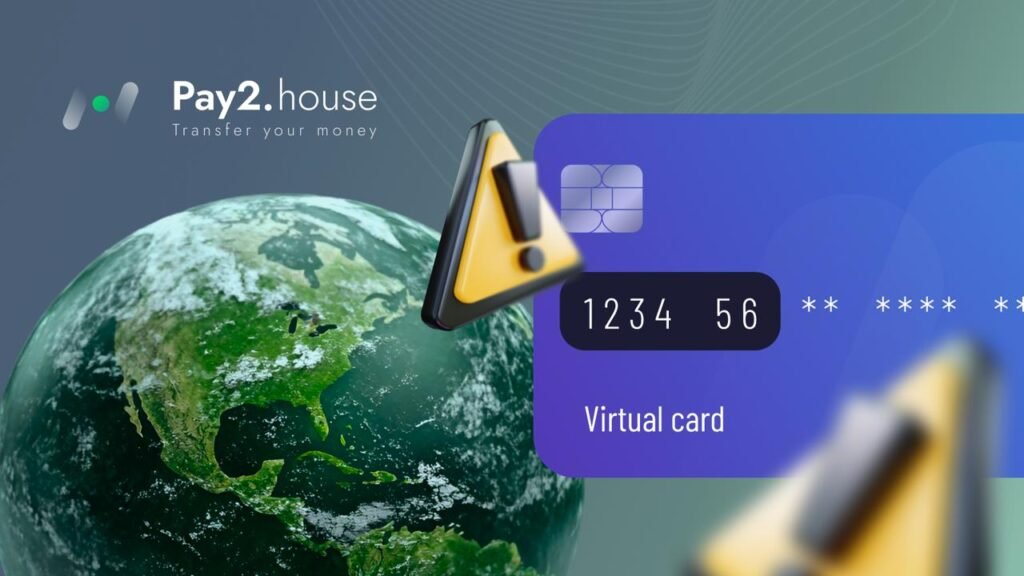
A BIN (Bank Identification Number) is the first 6–8 digits of a card. It reveals the issuing country, bank, and card type (debit, prepaid, etc.). Facebook and other platforms (like TikTok and Google) cross-check this BIN during card submission.
Some mistakenly believe a valid VISA/MasterCard will always be accepted, but Facebook uses BIN-specific blacklists and trust scores.
How BIN affects:
- BINs from unstable regions may be globally blocked.
- Fintech-issued BINs may lack transaction history, lowering trust.
- BINs determine features like 3D Secure support or auto-billing availability.
? With Pay2.House, you can pre-select the BIN region when issuing a card (EU, UA, PL, LT), increasing your chances of successful verification. Cards are 3D Secure-ready and Business Manager-compatible.
Why Facebook Asks for a Tax Number (TIN)
A TIN (Taxpayer Identification Number) is required in some GEOs and scenarios:
- high monthly ad spend;
- suspicion of commercial activity under a personal profile;
- the card’s BIN is tied to countries with tax reporting regulations (Poland, Germany, USA);
- ads are run in verticals like finance or subscriptions.
If you provide an invalid or fake TIN, your ad account can be restricted. In countries like the US, France, and Spain, Facebook cross-references TINs with national databases.
Tips:
- Don’t register as a business unless necessary;
- Avoid using someone else’s TIN — it can result in a permanent block across all related accounts;
- If you're a legitimate advertiser, prepare your documents in advance.
How to Avoid the Card Restriction Error
To minimize your risk:
✅ Use cards with stable and trusted BINs. Services like Pay2.House let you choose the BIN region and issue multiple cards quickly.
✅ Align your proxy, browser fingerprint, and card region. Avoid mismatches (e.g., Lithuanian card, Vietnamese proxy, German account).
✅ Don’t add the card immediately. Let the ad account “warm up” for 24–48 hours with organic behavior.
✅ Manually enter card details from a clean browser session. Don’t use autofill or switch devices mid-session.
✅ Make sure the card supports 3D Secure — cards from Pay2.House do.
✅ If the card fails, don’t retry immediately. Multiple failed attempts increase the chance of being flagged.
Also:
- use anti-detect browsers with separate profiles;
- match browser timezone, language, and region to the card’s GEO;
- disable unstable VPN extensions that can rotate IPs.
What to Do if the Card Fails
When a card is rejected:
- Check its BIN via tools like binlist.net or bincheck.io.
- Issue a new card with a different BIN (Pay2.House allows instant reissuance).
- Try from a different proxy or fingerprint profile.
- Create a new ad account under the same Business Manager and try again.
- Use a fresh IP (e.g., 4G modem) or device for submission.
Bonus Tips
- enable 2FA in your Facebook account to boost credibility;
- avoid adding multiple cards in a row — three declines may trigger a lockout;
- prefer static dedicated proxies over rotating ones;
- if you work in a team: each buyer should have their own isolated payment and profile setup.
Final Thoughts
The "Country with trade restrictions" error is not a bug — it's Facebook's fraud prevention mechanism. In 2025, a functioning card is no longer enough: you need a fully aligned payment infrastructure.
That means building a system where every element — card BIN, proxy IP, fingerprint, ad behavior — works in sync.
Tools like Pay2.House give you an edge: the ability to choose BIN regions, issue unlimited cards, manage budgets, and pass payment verification smoothly.
To stay competitive, stop chasing workarounds and start investing in structure. A well-built setup saves you time, money, and stress — and keeps your ad accounts alive and scaling.